


Index: Thumbnail Images of the MGLS Cases
You can scale the images by scaling text in your browser.
There should be a text size/zoom/scale option in the View menu.
Also, you can press the control key and simultaneously scroll the middle mouse button.
• E • F • R • Minus • Plus • O • I • Im • OCLL • PLL •
| ELS: Edge placed/flipped |
| |
| ELS: Edge matching front |
        |
| ELS: Edge matching right |
        |
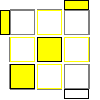
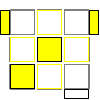
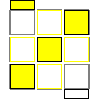
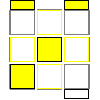
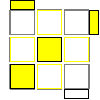
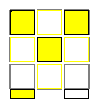
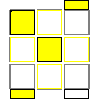
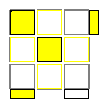
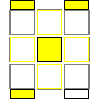
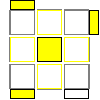
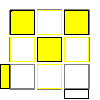
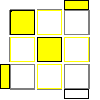
| CLS: Minus |
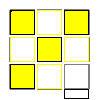 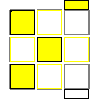 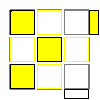 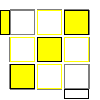         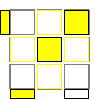 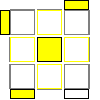 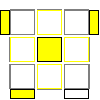 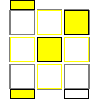     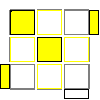 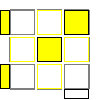 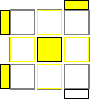 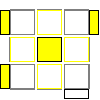 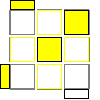 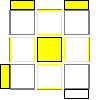 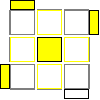 |
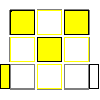
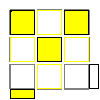
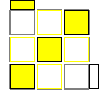
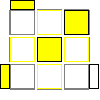
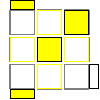
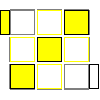
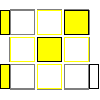
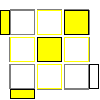
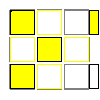
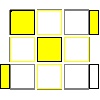
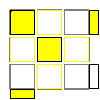
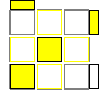
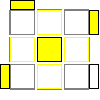
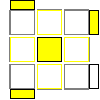
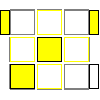
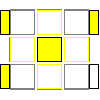
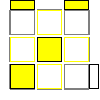
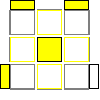
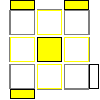
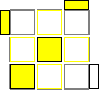
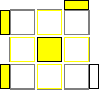
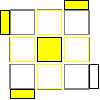
| CLS: Plus |
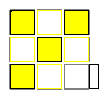                 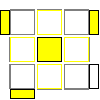 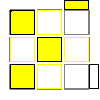 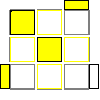 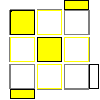       |
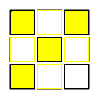
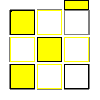
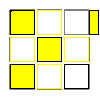
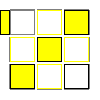
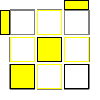
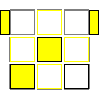
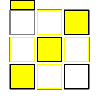
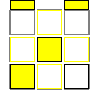
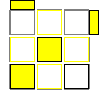
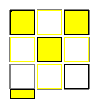
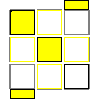
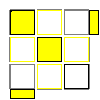
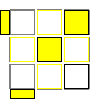
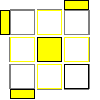
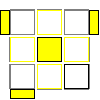
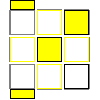
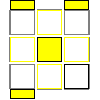
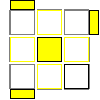
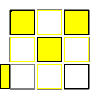
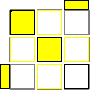
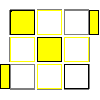
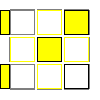
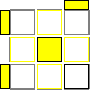
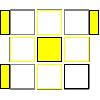
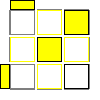
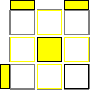
| CLS: O |
                          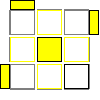 |
| CLS: I |
        |
| CLS: I (mirror) |
        |
| CLS: OCLL |
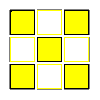 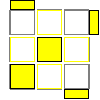 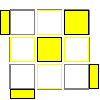 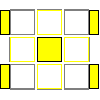 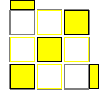    |
| PLL: PLL |
                      |
Generated December 26, 2007
©Lucas Garron, 2007